
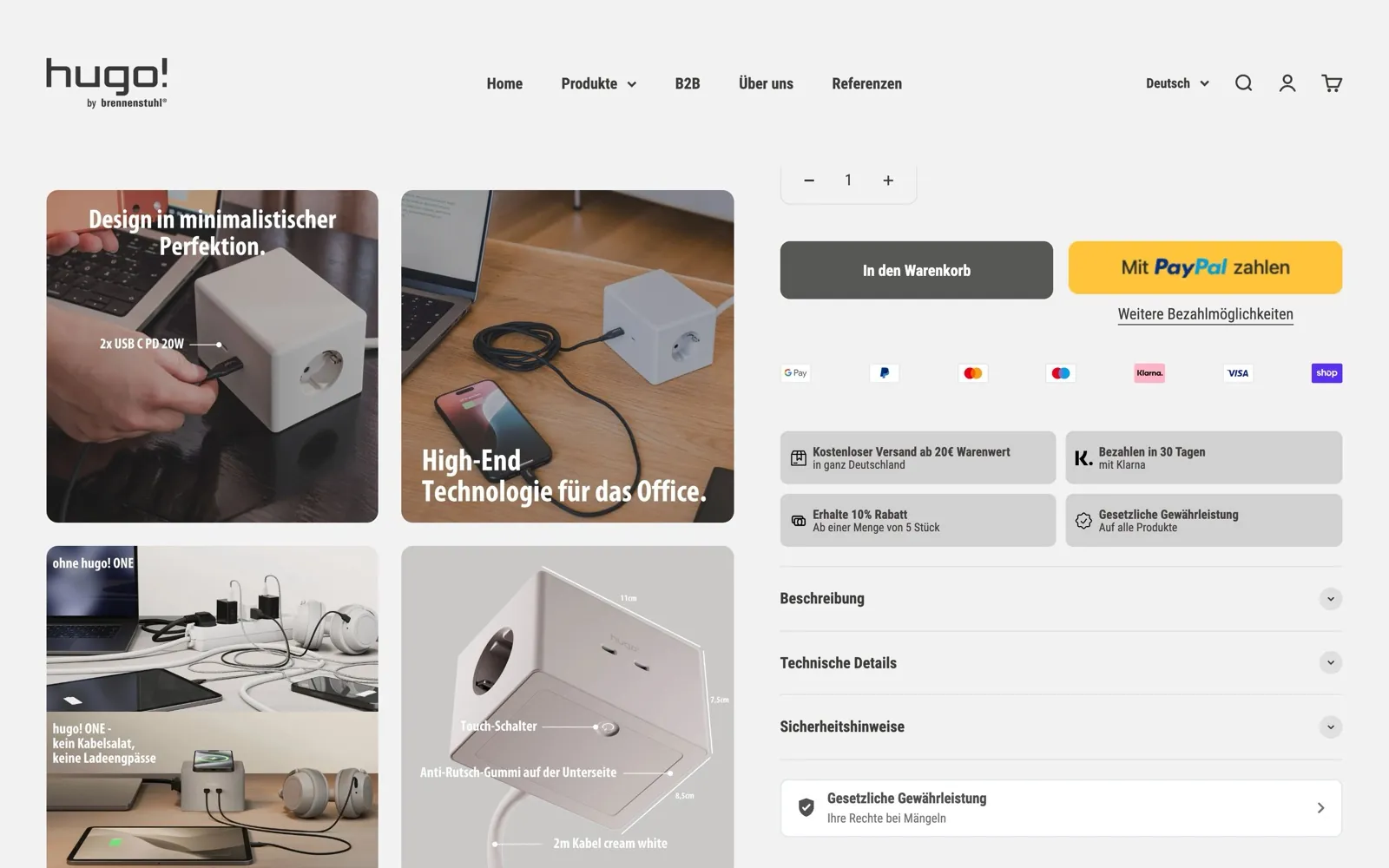
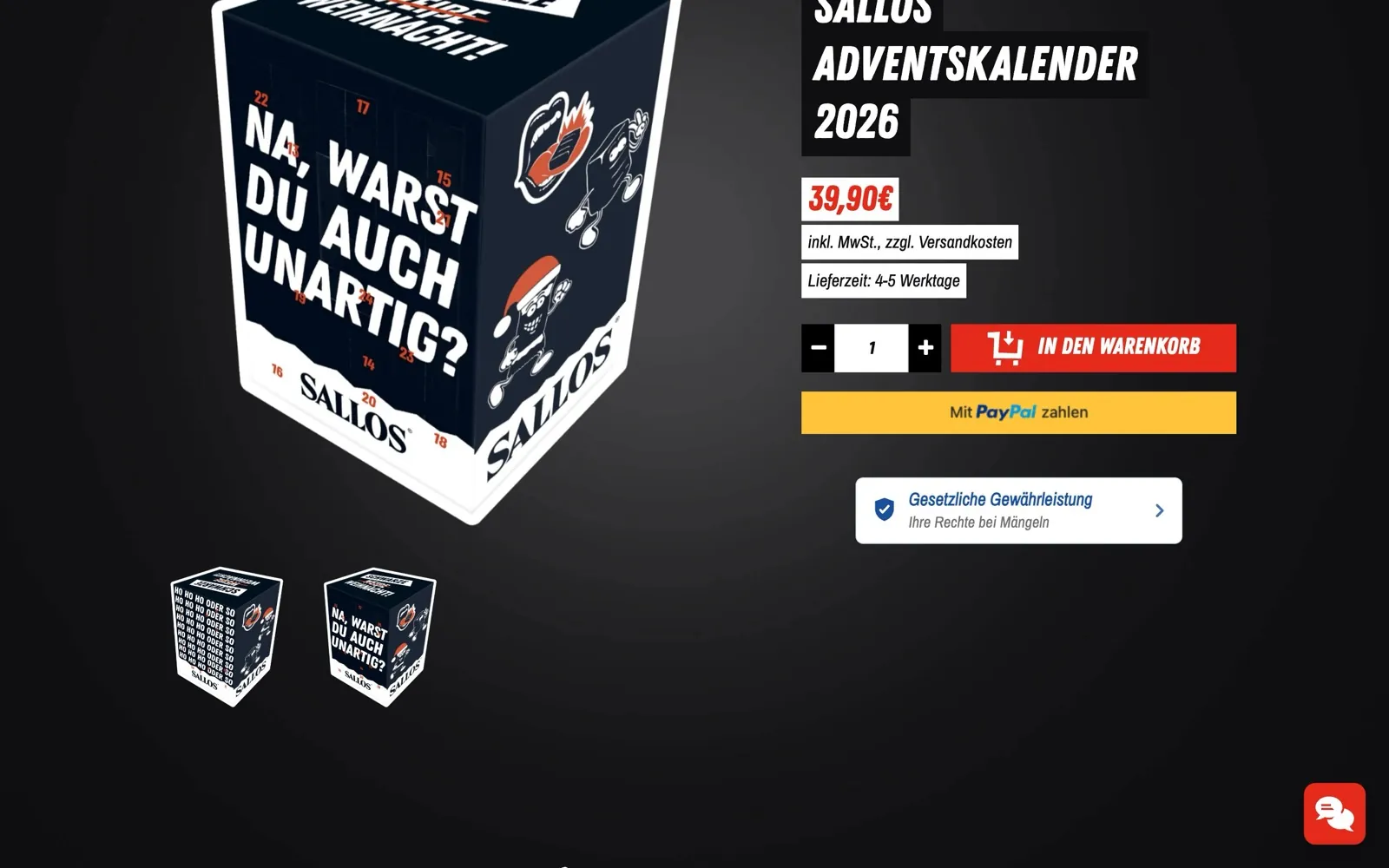
 Screenshot © hugo! by Brennenstuhl ·
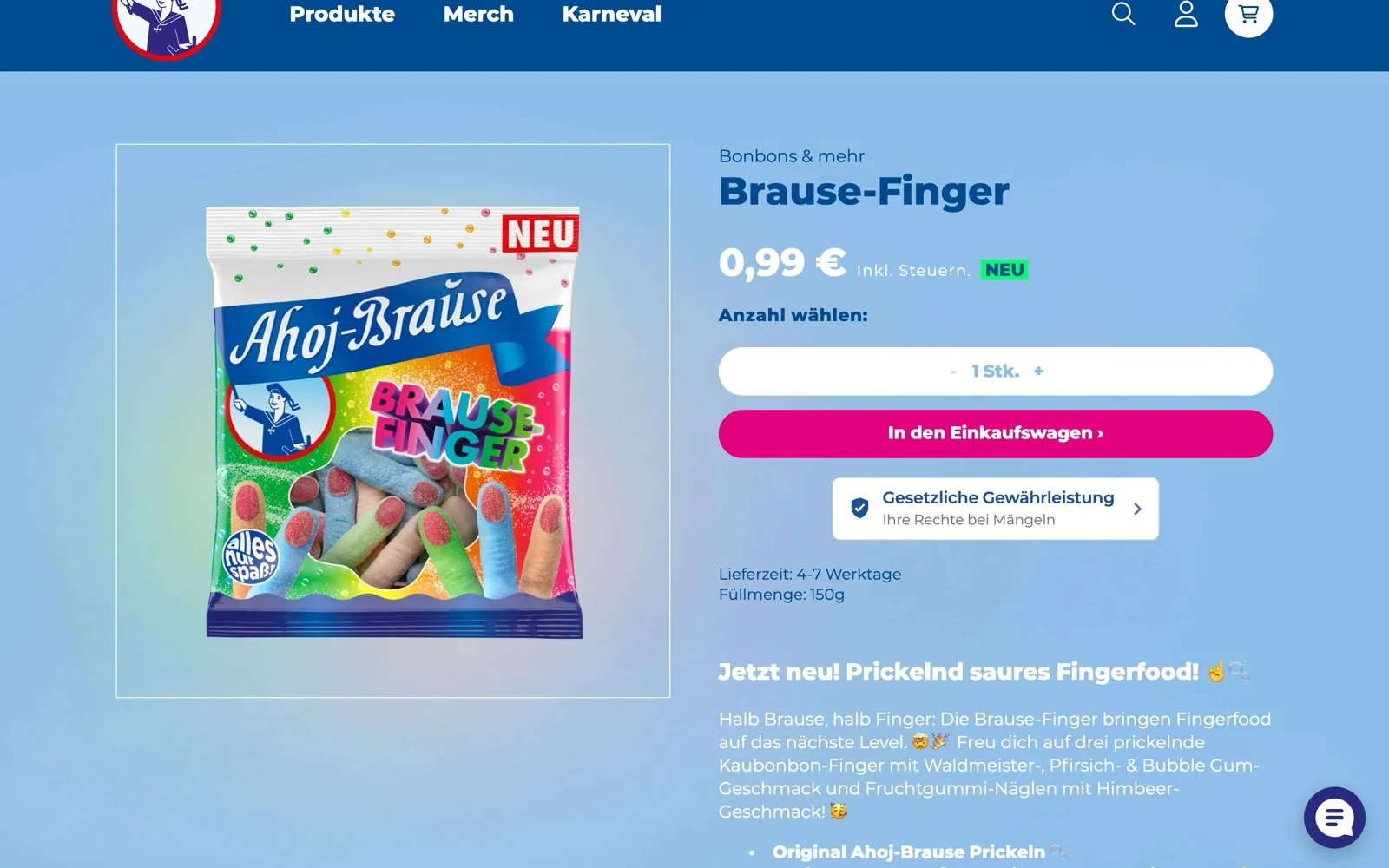
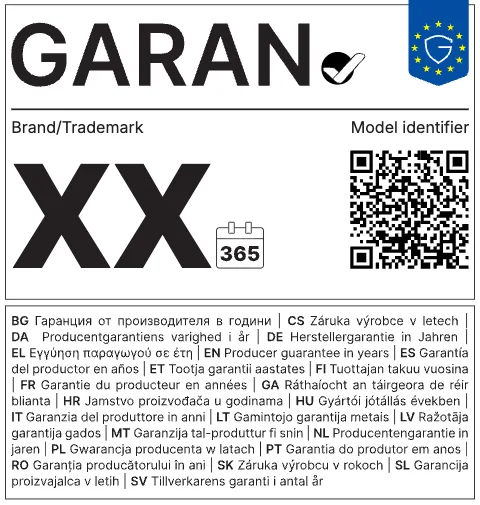
 The legal guarantee notice must appear prominently before the order. The law does not prescribe a fixed place. Product page, cart and footer have proven themselves, plus the order confirmation. The GARAN label belongs right next to the product concerned and must be visible directly before the order is placed.
After the obligation itself, placement is the most common question. The answer draws on three sources: the directive, which only sets the framework; the regulation, which governs the design; and the Commission’s guidelines, which show examples but are not binding. This page keeps the three clearly apart.
What the law says about placement
For the legal guarantee notice, the law requires two things: the reminder must be given “in a prominent manner”, and it must be provided before the consumer is bound by the contract (Art. 6(1), introductory wording and point (l), of the Consumer Rights Directive). The law does not name a particular page. The directive gives as an example a “general reminder on the website of the trader” (recital 28 of Directive 2024/825).
For the GARAN label, the framework is narrower:
- In online sales it should be placed “directly next to the picture of the good”, so it is clear which good has the guarantee (recital 28).
- It must be shown in a clear and prominent manner directly before the consumer places the order (Art. 8(2) of the Consumer Rights Directive). This requirement does not apply to the legal guarantee notice.
Where the legal guarantee notice can go in your shop
| Place | Legal guarantee notice | GARAN label |
|---|---|---|
| Product page | Recommended, this is where the buying decision is made | Yes next to the product image or product details |
| Collection page | Possible, for example at the end of the product list | Optional |
| Cart and cart drawer | Recommended, shortly before the order | Yes next to the item concerned |
| Checkout | Named as an example in the guidelines | Recommended by the guidelines. On Shopify, only customisable with Shopify Plus |
| Footer | Useful as a general reminder on every page | No not product-specific |
| Order confirmation | Recommended by the guidelines | Recommended by the guidelines, plus the guarantee statement |
Many shops combine three places: product page, cart and footer. That way the notice can be reached before every order, whichever route the customer takes.
Fully visible or expandable?
This is the real point of contention. The graphic is large, and showing an A4 portrait page on every product page gets in the way of the purchase. The legal position:
- GARAN label: the regulation expressly allows a nested display online. It must open the full label on the first mouse click, mouse roll-over or tactile screen expansion (Annex II).
- Legal guarantee notice: the regulation does not provide for a nested display. On the one hand, the Commission’s guidelines say the full notice should be shown online. On the other hand, they show examples themselves with a short phrase such as “Your legal guarantee rights” that opens the graphic on the first click or mouse-over.
Whether an expandable notice is enough for the legal guarantee notice has not been settled. The Commission’s examples suggest it is. If you don’t want to take any risk, show the full graphic directly in at least one place, for example in the cart, and use the expandable badge elsewhere.
Four display options and when they fit
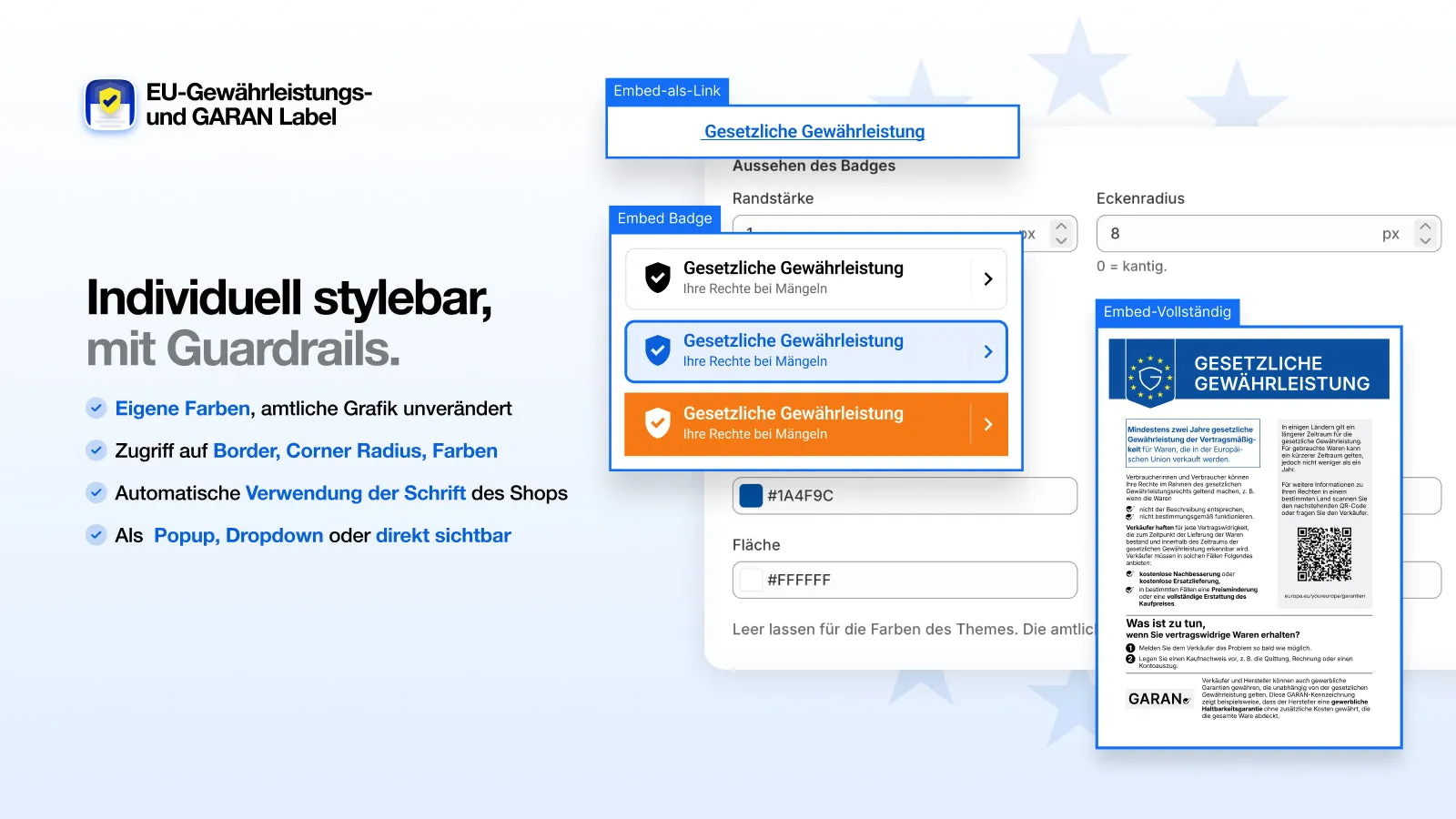
Fully visible
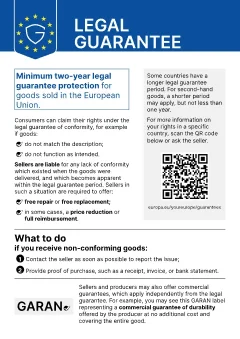
The whole graphic is open on the page. The safest option, but it needs space. Good for the cart or a dedicated info page.
Expandable
An entry styled like the product details that shows the full graphic on click. Fits into accordions on the product page.
Badge with pop-up
A small badge that opens the graphic in a window. Saves space, but not every customer clicks on it.
Text link
A link such as “Your statutory warranty rights”. The least conspicuous option, useful above all in the footer next to the legal notice and terms.
This is how the display options look in our app. One click opens the full graphic:
 Statutory warrantyYour rights if something is faulty›
Statutory warranty ▾
Your statutory warranty rights

What can go wrong with placement
- The notice covers or moves the buy button. The buy button and the cart should stay unchanged. The notice goes next to them or below them, not in between.
- The notice is missing from the cart drawer. Many themes show the cart as a drawer, and customers who go to the checkout from there never see the cart page.
- Wrong language. An English-speaking customer sees the German version because only one file has been added.
- Added in a modified form. Cropped, recoloured, shrunk as a background image or trimmed with CSS. All of this changes the graphic.
- Too small to read. Online, the graphic should be readable at standard display size.
- Theme update. A notice built in manually disappears when you switch or update the theme.
Placement on Shopify
On Shopify there are three ways: build the notice into the theme code yourself, add it as an image in a section, or use an app. The first two often fail because of the cart drawer, multiple languages and theme updates.
Our app places the legal guarantee notice automatically on the pages you choose: product page (below the product details or below the buy button), collection page, cart, cart drawer and footer. Alternatively, you drag the block to the position you want in the theme editor. The GARAN label only appears on the products you have assigned a guarantee to, and in the cart next to the item concerned. Every day we check automatically whether the notice is visible in our customers’ shops and whether the buy button, cart and checkout work unchanged.
View the app in the Shopify App Store Examples from shops
As of 3 October 2026. This page is not legal advice.
Frequently asked questions
Is the legal guarantee notice in the footer enough?
The directive gives a general reminder on the website as an example. However, an inconspicuous link in the footer could fail the “in a prominent manner” requirement. It is safer to show the notice on the product page or in the cart as well.
Must the legal guarantee notice appear in the checkout?
There is no obligation to show the legal guarantee notice directly at the checkout. For the GARAN label, Art. 8(2) of the Consumer Rights Directive applies: the information must appear directly before the consumer places the order. In Germany, the explanatory memorandum on the “button solution” reads this as the final order page near the order button, and the cart alone is likely not enough there.
May I show the legal guarantee notice in a pop-up?
The Commission’s guidelines show examples where the notice appears on the first click or mouse-over. For the legal guarantee notice this has not been settled with binding effect. What matters is that the graphic appears in full and unmodified.
Does the legal guarantee notice belong in the terms and conditions?
A text in your terms and conditions does not replace the graphic, because the law requires the harmonised notice. A reference in the terms or on an info page can be useful in addition, though.